What is pocketpal-ai built with?
pocketpal-ai is a TypeScript repo built with React, react-navigation, hermes-android, lifecycle-livedata-ktx, react-android, and 2 more. It stores its data in Supabase, reaches it with room-ktx and room-runtime, signs people in with react-native-keychain, @invertase/react-native-apple-authentication, and @react-native-firebase/app-check, uses AI through whisper.rn, makes its content with @react-native-documents/picker, mustache, and react-native-image-picker, validates its data with @hookform/resolvers and Zod, is tested with testing-library, react-test-renderer, @react-native/jest-preset, and reassure, deploys with Fastlane and logger, and uses @react-native-async-storage/async-storage, @nozbe/watermelondb, and Firebase. It has 279,629 written lines, with 597 test files.
 LinkedIn
Read on November 15, 2026, at commit 28f468a. Read it as markdown
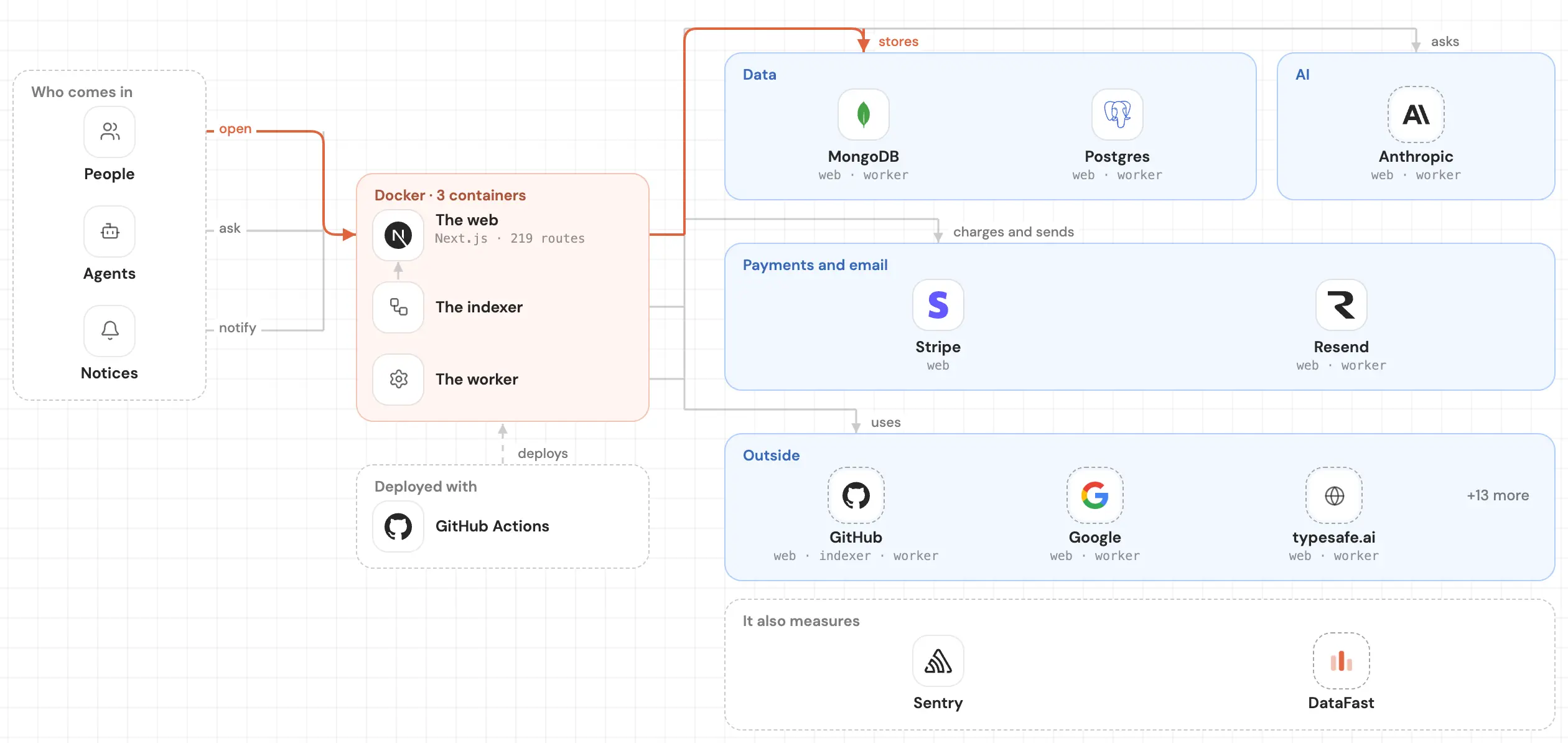
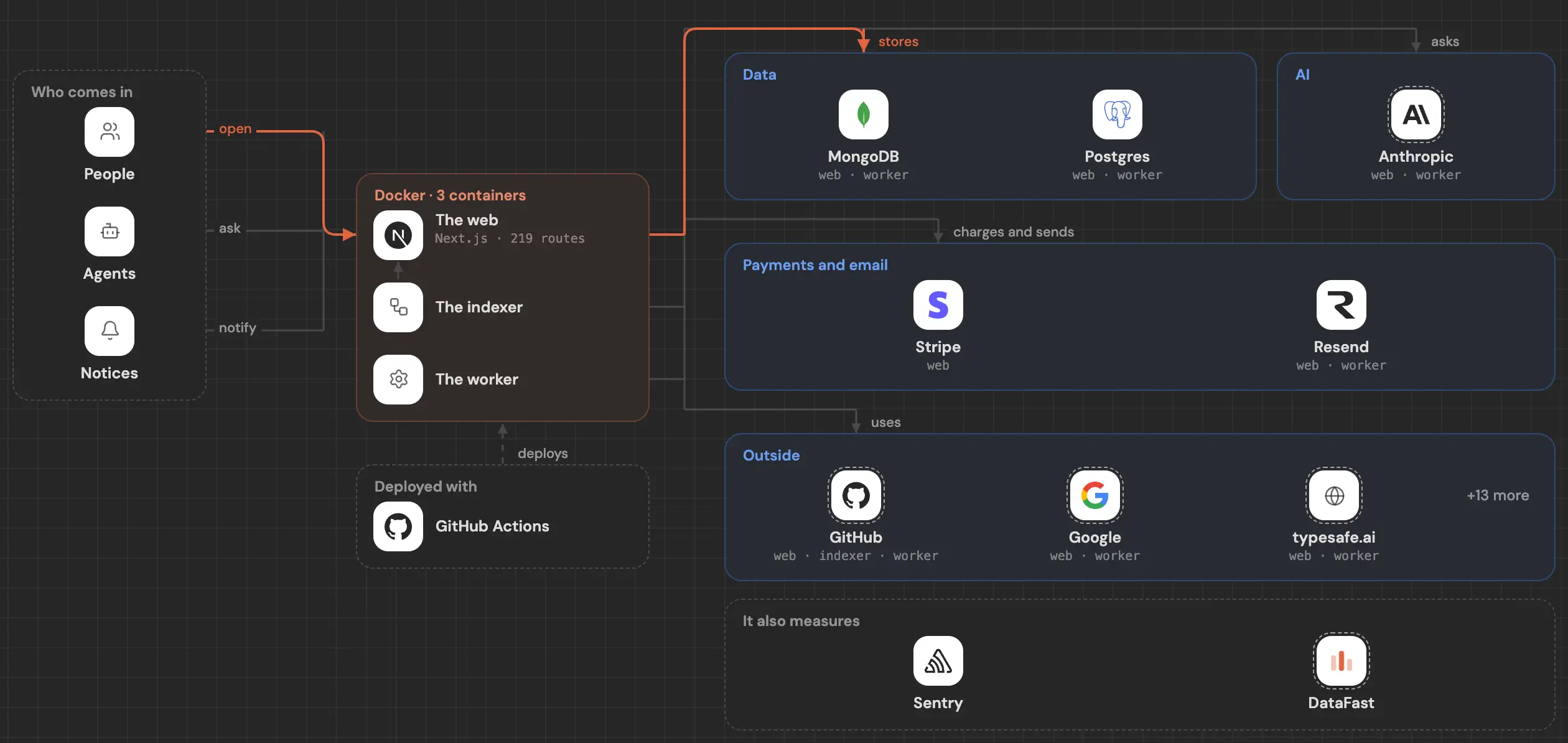
The card says what it's built with. Its whole map opens it up: every part of the code and how it connects to the rest.
Frontend
The base 2
- React260 files
react-navigation21 files
Interface 17
react-native-safe-area-context29 files
@gorhom/bottom-sheet17 files
- React Hook Form11 files
react-native-reanimated10 files
react-native-gesture-handler7 files
react-native-keyboard-controller4 files
react-native-vision-camera4 files
@flyerhq/react-native-link-preview3 files
react-native-enriched-markdown2 files
react-syntax-highlighter1 file
- react-native-paper126 files
- react-native-svg7 files
- react-native-linear-gradient5 files
- react-native-image-viewing2 files
- @react-native-community/slider1 file
- @react-native-masked-view/masked-view1 file
- react-native-webview1 file
Icons 1
- react-native-vector-icons11 files
Backend
Data 3
@react-native-async-storage/async-storage18 files
- Supabase2 files · src/services/palshub/supabase.ts, line 1
- @nozbe/watermelondb14 files
Data access 2
Sign-in 3
react-native-keychain4 files
@invertase/react-native-apple-authentication3 files
- @react-native-firebase/app-check1 file
AI 1
- whisper.rn1 file
Services 1
Support
The base 5
Content 3
@react-native-documents/picker2 files
- mustache1 file
- react-native-image-picker1 file
Validation 2
@hookform/resolvers1 file
- Zod1 file
Testing 4
testing-library76 files
- react-test-renderer4 files
@react-native/jest-preset2 files
- reassure1 file
Tools 4
- CocoaPods
- benchmark
- room-compiler
- xcodeproj
Other 29
- mobx-react67 files
- MobX36 files
uuid7 files
- Axios6 files
dayjs4 files
- date-fns2 files
expr-eval1 file
react-native-iap1 file
react-native-share1 file
activesupport
- com.google.firebase:firebase-appcheck-debug
- @dr.pogodin/react-native-fs26 files
- react-native-device-info19 files
- mobx-persist-store12 files
- @react-native-clipboard/clipboard7 files
- react-native-get-random-values5 files
- react-native-url-polyfill2 files
- @react-native-firebase/app1 file
- androidx.concurrent:concurrent-futures-ktx1 file
- androidx.work:work-runtime-ktx1 file
- buffer1 file
- react-native-permissions1 file
- bigdecimal
- concurrent-ruby
- mutex_m
- nkf
- okhttp
- simdjson
Other repos with a similar stack
Ordered by how much of its stack they share with pocketpal-ai, then by stars.
- spacedriveappspacedrive39.5k
Spacedrive is an open source cross-platform file explorer, powered by a virtual distributed filesystem written in Rust.
12 of 79 in common · RustCompare → - reactive-resumereactive-resume45.7k
A one-of-a-kind resume builder that keeps your privacy in mind. Completely secure, customizable, portable, open-source and free forever. Try it out today!
8 of 79 in commonCompare →
Frequently asked questions
What language is pocketpal-ai written in?
What framework does pocketpal-ai use?
What database does pocketpal-ai use?
The proof: src/services/palshub/supabase.ts, line 1
What does pocketpal-ai sign people in with?
Does pocketpal-ai use AI?
What services does pocketpal-ai use?
Does pocketpal-ai have tests?
Which repos have a stack like pocketpal-ai's?
See inside your code, today.
Paste your repo and see it drawn, part by part: a medium one in under a minute.
Free, no account.
Is it your repo? Add its badge, keep it up to date or take it down →


