What is iceberg built with?
iceberg is a Java repo built with org.apache.flink:flink-table-api-java-bridge, Apache, jakarta.servlet:jakarta.servlet-api, org.eclipse.jetty.compression:jetty-compression-gzip, org.eclipse.jetty.compression:jetty-compression-server, and 1 more. It signs people in with sso, software.amazon.awssdk:auth, com.azure:azure-identity, and software.amazon.awssdk:sts, stores files in AWS S3, connects to Google, makes its content with mkdocs-material-extensions, validates its data with openapi-spec-validator, is tested with apiguardian-api, com.google.guava:guava-testlib, flink-test-utils-junit, hadoop-minicluster, junit-jupiter-engine, and 16 more, deploys with flink-metrics-dropwizard, slf4j-simple, and org.slf4j:slf4j-api, and uses azure-sdk-bom, calcite-druid, connect-json, flink-avro, hadoop-client, and 25 more. It has 1,428,615 written lines, with 2,566 test files.
 LinkedIn
Read on November 15, 2026, at commit 5b132c8. Read it as markdown
The card says what it's built with. Its whole map opens it up: every part of the code and how it connects to the rest.
Frontend
Styles 1
Backend
Data 28
- org.apache.arrow:arrow-vector117 files
- MongoDB1 file · gradle/libs.versions.toml, line 116
- SQLite1 file · gradle/libs.versions.toml, line 230
- Hive
- org.mongodb:bson
- org.apache.hadoop:hadoop-mapreduce-client-core186 files
- org.apache.avro:avro142 files
- org.apache.orc:orc-core57 files
- com.github.ben-manes.caffeine:caffeine34 files
- org.apache.parquet:parquet-hadoop23 files
- software.amazon.awssdk:glue19 files
- software.amazon.awssdk:dynamodb11 files
- com.aliyun.oss:aliyun-sdk-oss9 files
- software.amazon.awssdk:kms9 files
- org.apache.flink:flink-connector-files6 files
- org.projectnessie.nessie:nessie-client6 files
- software.amazon.s3.analyticsaccelerator:analyticsaccelerator-s33 files
- org.apache.parquet:parquet-avro2 files
- azure-sdk-bom
- calcite-druid
- connect-json
- flink-avro
- hadoop-client
- hadoop-common
- kafka-clients
- s3
- sqlite-jdbc
- url-connection-client
Sign-in 4
- software.amazon.awssdk:auth12 files
- com.azure:azure-identity2 files
- software.amazon.awssdk:sts2 files
- sso
Services 4
- Kafka32 files · kafka-connect/kafka-connect/src/main/java/org/apache/iceberg/connect/channel/KafkaClientFactory.java, line 24
 AWS S330 files · aws/src/main/java/org/apache/iceberg/aws/AwsClientFactory.java, line 23
 Google18 files · gcp/src/main/java/org/apache/iceberg/gcp/gcs/PrefixedStorage.java, line 25
- Google Cloud Storage11 files · gcp/src/main/java/org/apache/iceberg/gcp/gcs/PrefixedStorage.java, line 25
Support
The base 6
- Apache174 files
- org.apache.flink:flink-table-api-java-bridge704 files
- jakarta.servlet:jakarta.servlet-api2 files
- org.eclipse.jetty.compression:jetty-compression-gzip1 file
- org.eclipse.jetty.compression:jetty-compression-server1 file
- org.eclipse.jetty.ee10:jetty-ee10-servlet1 file
Content 1
- mkdocs-material-extensions
Validation 1
- openapi-spec-validator
Testing 21
- org.apache.flink:flink-connector-test-utils6 files
- com.google.guava:guava-testlib
- org.junit.jupiter:junit-jupiter2,172 files
- org.assertj:assertj-core2,074 files
- org.mockito:mockito-core215 files
- org.awaitility:awaitility108 files
- org.testcontainers:testcontainers9 files
- org.mockito:mockito-junit-jupiter5 files
- org.junit.platform:junit-platform-suite-api4 files
- org.apache.hadoop:hadoop-hdfs1 file
- apiguardian-api
- flink-test-utils-junit
- hadoop-minicluster
- junit-jupiter-engine
- junit-pioneer
- junit-platform-launcher
- junit-platform-suite-engine
- mockito-inline
- mockserver-client-java
- mockserver-netty
- testcontainers-junit-jupiter
Deploy 3
- org.slf4j:slf4j-api526 files
- flink-metrics-dropwizard
- slf4j-simple
Tools 9
datamodel-code-generator
mkdocs-macros-plugin
- org.immutables:value58 files
- antlr4
- antlr4-runtime
- jsr305
- mkdocs-awesome-pages-plugin
- mkdocs-redirects
- yamllint
Other 27
- org.apache.httpcomponents.client5:httpclient52 files
- Esoteric Software1 file
- com.google.guava:guava
- Scala
- com.fasterxml.jackson:jackson-bom84 files
- com.fasterxml.jackson.core:jackson-core74 files
- org.apache.datasketches:datasketches-java19 files
- org.roaringbitmap:RoaringBitmap5 files
- joda-time:joda-time3 files
- software.amazon.awssdk:iam3 files
- dev.failsafe:failsafe1 file
- io.airlift:aircompressor1 file
- arrow-memory-netty
- bcpkix-jdk18on
- bcprov-jdk18on
- bcutil-jdk18on
- bom
- calcite-core
- jackson-annotations
- jackson-databind
- jakarta.el-api
- jaxb-api
- jaxb-runtime
- libraries-bom
- lz4-java
- microprofile-openapi-api
- netty-buffer
Other repos with a similar stack
Ordered by how much of its stack they share with iceberg, then by stars.
- Stirling-ToolsStirling-PDF96.4k
#1 PDF Application on GitHub that lets you edit PDFs on any device anywhere
7 of 105 in common · TypeScriptCompare → - spring-projectsspring-boot81.9k
Spring Boot helps you to create Spring-powered, production-grade applications and services with absolute minimum fuss.
6 of 105 in commonCompare →
Frequently asked questions
What language is iceberg written in?
What framework does iceberg use?
What does iceberg sign people in with?
What services does iceberg use?
The proof: aws/src/main/java/org/apache/iceberg/aws/AwsClientFactory.java, line 23
Does iceberg have tests?
Which repos have a stack like iceberg's?
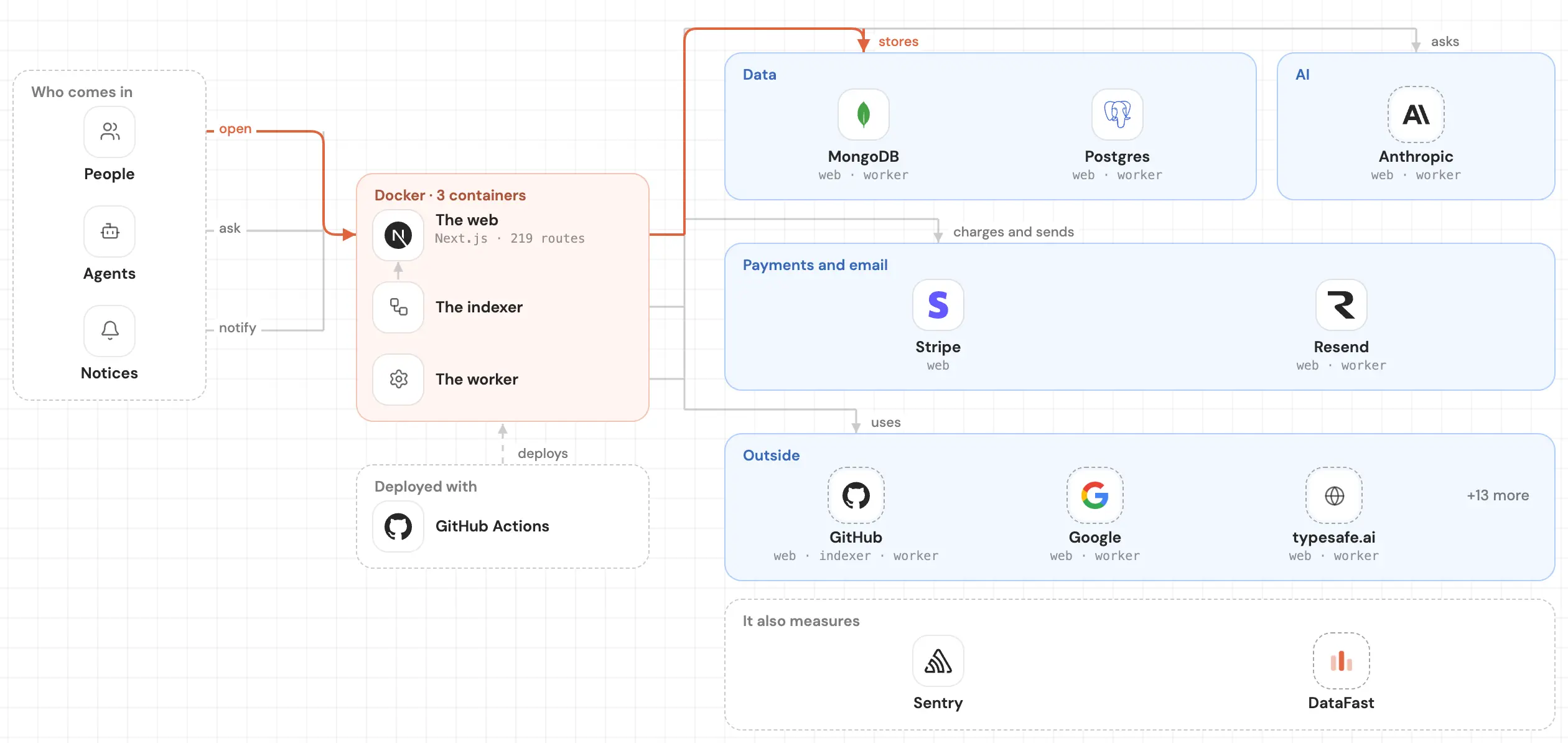
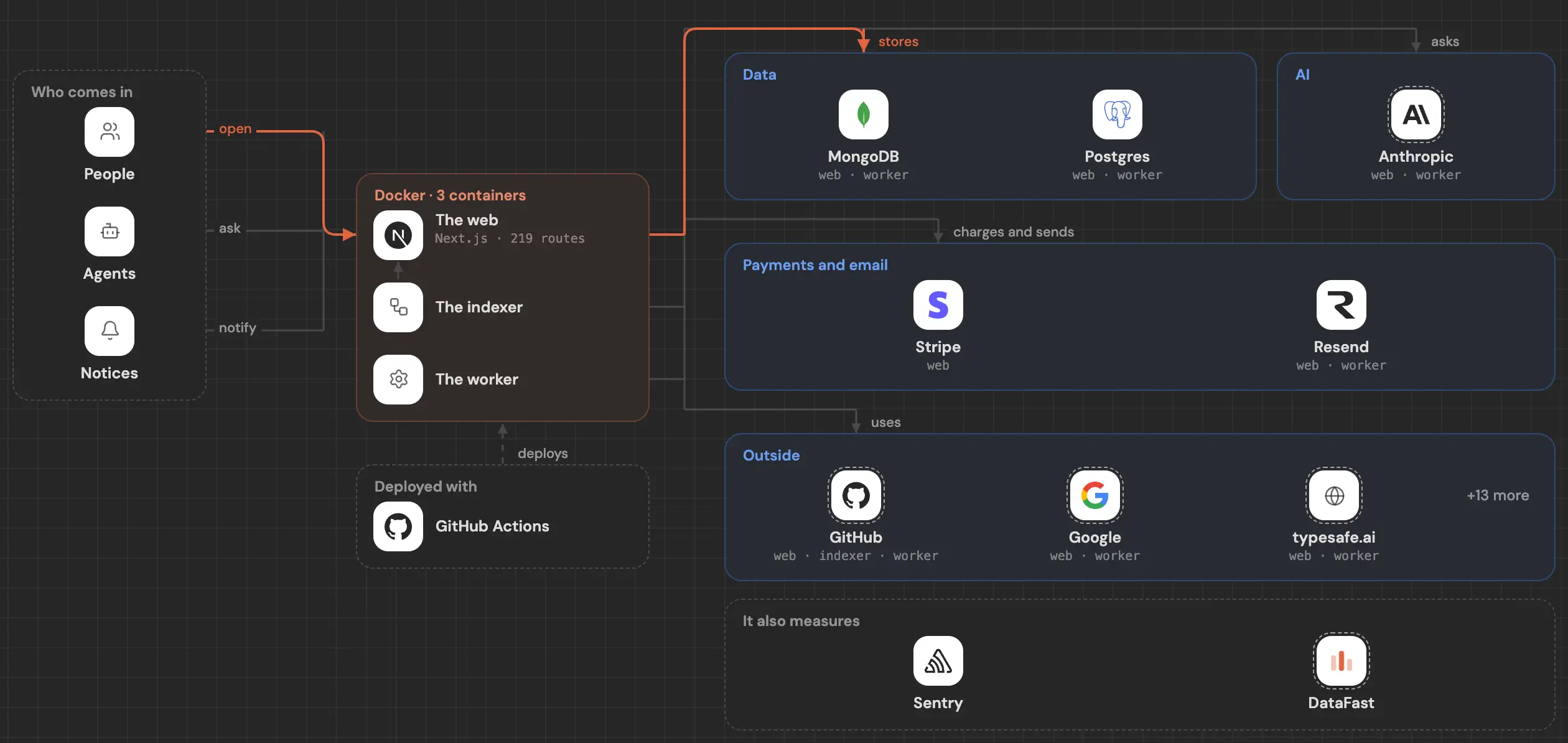
See inside your code, today.
Paste your repo and see it drawn, part by part: a medium one in under a minute.
Free, no account.
Is it your repo? Add its badge, keep it up to date or take it down →


