How much of gh-dash did AI write?
0.3%
 LinkedIn
Who signed the commits
Commits per month
Each month's commits up to its last one, with those an AI signed. Merges don't count.
- Signed by AI
- People
The figures, month by month
| Month | Commits | Signed by AI | Share |
|---|---|---|---|
| Oct 2026 | 4 | 0 | 0% |
| Sep 2026 | 4 | 0 | 0% |
| Aug 2026 | 1 | 0 | 0% |
| Jul 2026 | 8 | 0 | 0% |
| Jun 2026 | 13 | 1 | 7.7% |
| May 2026 | 27 | 1 | 3.7% |
| Apr 2026 | 12 | 0 | 0% |
| Mar 2026 | 18 | 0 | 0% |
| Feb 2026 | 24 | 0 | 0% |
| Jan 2026 | 18 | 0 | 0% |
| Dec 2025 | 8 | 0 | 0% |
| Nov 2025 | 7 | 0 | 0% |
| Oct 2025 | 28 | 0 | 0% |
| Sep 2025 | 41 | 0 | 0% |
| Aug 2025 | 4 | 0 | 0% |
| Jul 2025 | 3 | 0 | 0% |
| Jun 2025 | 2 | 0 | 0% |
| May 2025 | 10 | 0 | 0% |
| Apr 2025 | 4 | 0 | 0% |
| Mar 2025 | 13 | 0 | 0% |
| Feb 2025 | 24 | 0 | 0% |
| Jan 2025 | 21 | 0 | 0% |
| Dec 2024 | 4 | 0 | 0% |
| Nov 2024 | 14 | 0 | 0% |
How we know
Every AI coding tool leaves its signature in the commits it makes: a Co-Authored-By line, its own author name, or the merge of its branch. SeeRepo reads those signatures in the repo's history; a commit without one counts as made by people, and merges don't count.
Every AI tool SeeRepo recognizes →Frequently asked questions
Which AI tool signed the most commits in gh-dash?
Claude, with 2 of the 649 commits of gh-dash.
Since when does AI sign commits in gh-dash?
Since May 2026: the first month an AI tool signed a commit of gh-dash.
How many commits does gh-dash have?
gh-dash has 649 commits since October 14, 2021. Merges don’t count.
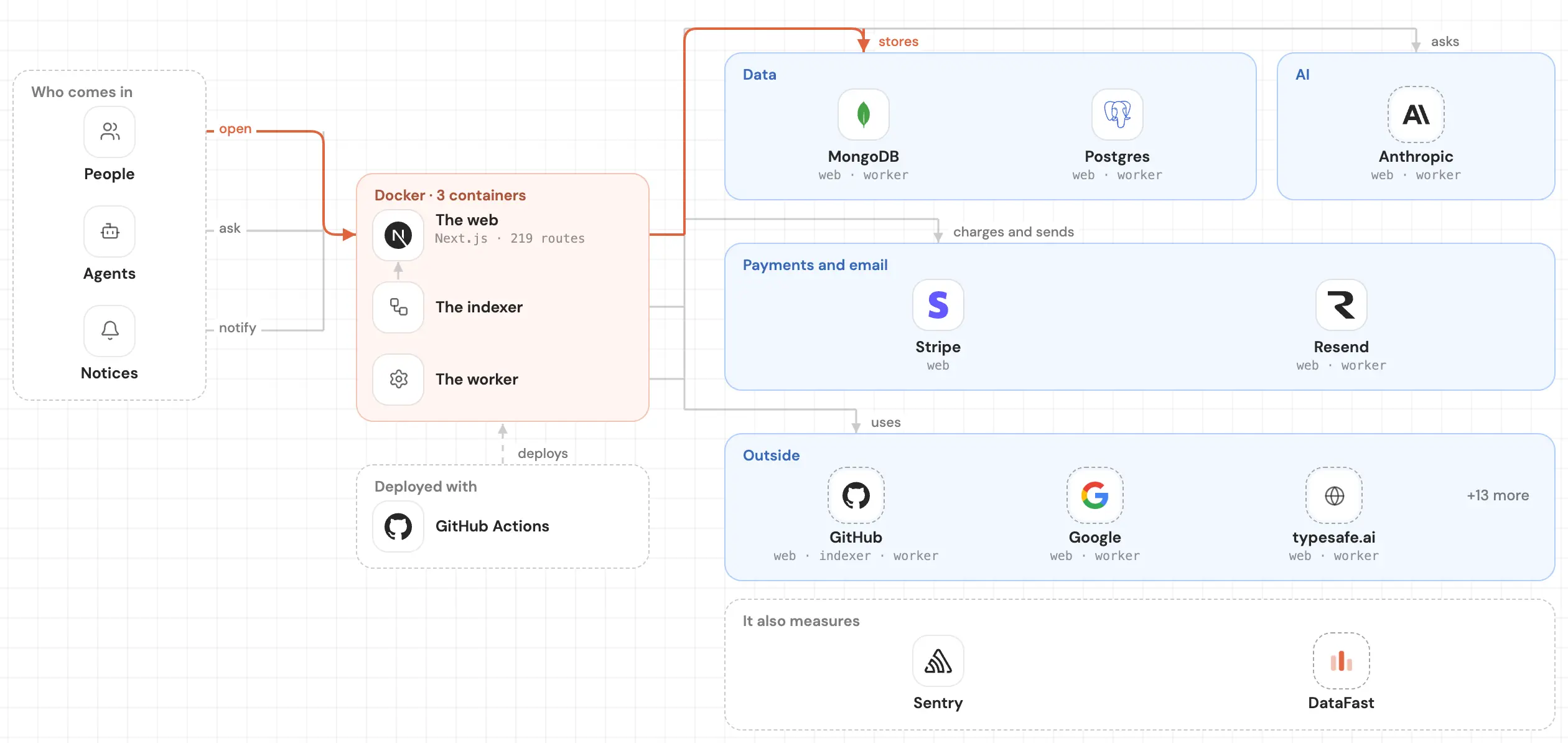
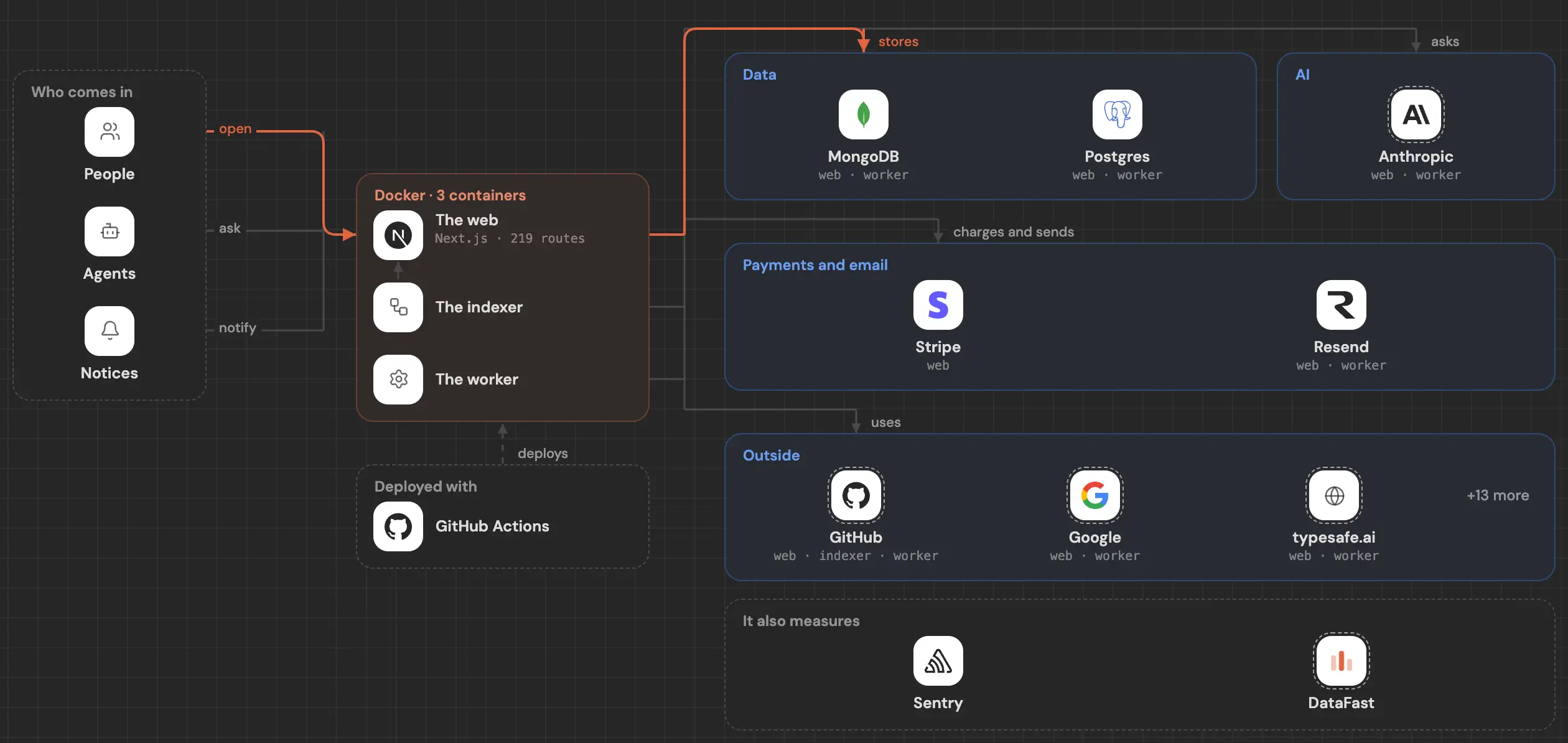
See inside your code, today.
Paste your repo and see it drawn, part by part: a medium one in under a minute.
Free, no account.
Is it your repo? Add its badge, keep it up to date or take it down →


