How much of graphql-yoga did AI write?
0.5%
 LinkedIn
Who signed the commits
Commits per month
Each month's commits up to its last one, with those an AI signed. Merges don't count.
- Signed by AI
- People
The figures, month by month
| Month | Commits | Signed by AI | Share |
|---|---|---|---|
| Nov 2026 | 14 | 2 | 14.3% |
| Oct 2026 | 41 | 2 | 4.9% |
| Sep 2026 | 20 | 2 | 10% |
| Aug 2026 | 6 | 0 | 0% |
| Jul 2026 | 0 | 0 | — |
| Jun 2026 | 6 | 0 | 0% |
| May 2026 | 52 | 4 | 7.7% |
| Apr 2026 | 20 | 5 | 25% |
| Mar 2026 | 57 | 4 | 7% |
| Feb 2026 | 34 | 0 | 0% |
| Jan 2026 | 22 | 0 | 0% |
| Dec 2025 | 9 | 0 | 0% |
| Nov 2025 | 43 | 0 | 0% |
| Oct 2025 | 43 | 0 | 0% |
| Sep 2025 | 65 | 0 | 0% |
| Aug 2025 | 14 | 0 | 0% |
| Jul 2025 | 43 | 0 | 0% |
| Jun 2025 | 21 | 0 | 0% |
| May 2025 | 40 | 0 | 0% |
| Apr 2025 | 59 | 0 | 0% |
| Mar 2025 | 104 | 0 | 0% |
| Feb 2025 | 95 | 0 | 0% |
| Jan 2025 | 107 | 0 | 0% |
| Dec 2024 | 81 | 0 | 0% |
The last commits an AI signed
- cfd0092feat: add http QUERY support (#4647)Claude· Nov 11, 2026
- 50712e4feat(nestjs): support the @nestjs/platform-node adapter (#4644)Claude· Nov 5, 2026
- 862447afeat!: update logging to use hive logger and add more logging (#4575)Claude· Oct 22, 2026
- 326e9cefeat(sentry): support @sentry/node v11 (#4628)Claude· Oct 22, 2026
- 88923f6Reduce envelop-website/ to the docs content (#4572)Claude· Sep 9, 2026
- c80f43cReduce website/ to the docs content (#4569)Claude· Sep 8, 2026
How we know
Every AI coding tool leaves its signature in the commits it makes: a Co-Authored-By line, its own author name, or the merge of its branch. SeeRepo reads those signatures in the repo's history; a commit without one counts as made by people, and merges don't count.
Every AI tool SeeRepo recognizes →Frequently asked questions
Which AI tool signed the most commits in graphql-yoga?
GitHub Copilot, with 13 of the 3,478 commits of graphql-yoga.
Since when does AI sign commits in graphql-yoga?
Since March 2026: the first month an AI tool signed a commit of graphql-yoga.
How many commits does graphql-yoga have?
graphql-yoga has 3,478 commits since November 15, 2017. Merges don’t count.
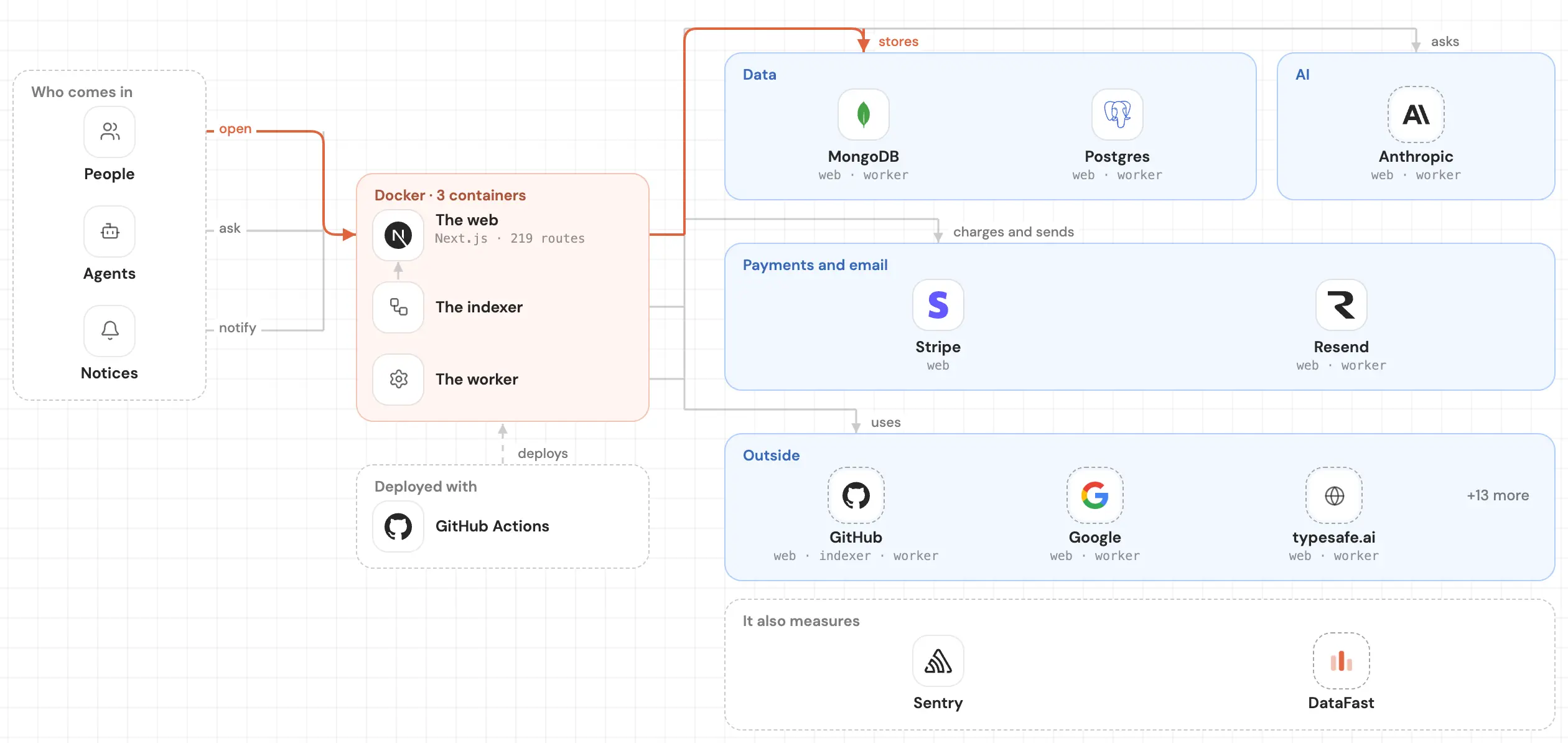
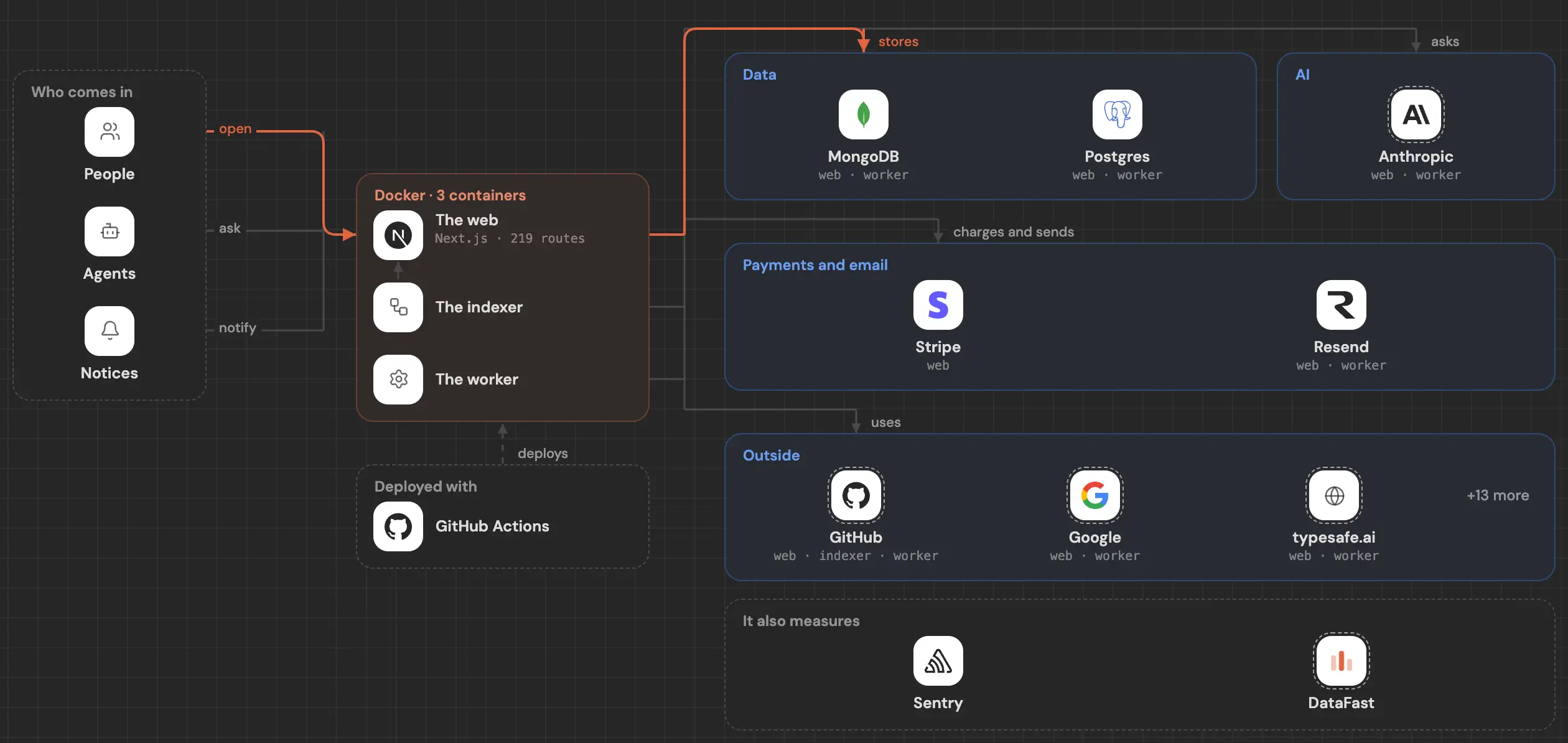
See inside your code, today.
Paste your repo and see it drawn, part by part: a medium one in under a minute.
Free, no account.Private repo? Sign in with GitHub
Is it your repo? Add its badge, keep it up to date or take it down →


