CodeViz alternative
SeeRepo vs CodeViz: CodeViz alternative
CodeViz gives engineering teams C4 and UML diagrams inside VS Code. SeeRepo gives people who direct AI agents a living map of their product, in the browser.
SeeRepo

CodeViz
Quick comparison
| Question | SeeRepo | CodeViz |
|---|---|---|
| Made for | ✅ People who direct AI agents and don't read code | ✅ Software teams: PR review, tickets, architecture (CodeViz) |
| Where it runs | ✅ In the browser, from a GitHub repo (get started) | ✅ A VS Code extension (CodeViz) |
| How it draws the code | ✅ Parts of your product: screens, actions, data, services (modules and parts) | ✅ C4 and UML, every element editable and linked to the source (CodeViz) |
| Shows which commits your AI agents wrote | ✅ From each agent's signature (agent directory) | ❌ Not mentioned on its site (CodeViz) |
| Free plan | ✅ Your first repo, read once (plans) | ✅ 5 diagrams a month, 1 repository (pricing) |
| Paid plans | ✅ $19, $49 or $79 a month, by repos and commits, everything on every plan (plans) | ✅ Pro $19 a month; Teams $50 per seat a month; Enterprise custom (pricing) |
| Embed in Notion or Confluence | ❌ A public link or an image of the map (sharing) | ✅ On the Teams plan (pricing) |
Choose SeeRepo if
- You don't read code and want to understand what your agents built.
- You want to see what changed this week and which agent did it.
- You'd rather open a link in the browser than install an extension.
Choose CodeViz if
- You're an engineer who thinks in C4 and UML and works in VS Code.
- You want to edit diagrams, review PRs visually and link work to Jira.
- Your team needs diagrams embedded in Notion or Confluence.
What SeeRepo does better
- No code required. The map speaks in parts of your product, not in classes and containers.
- It follows your agents and tells you which commits each one wrote.
- It's alive on every push: what changed glows for a week, and Journey shows when.
- It tells you what to fix, with a ready prompt for your agent in Health.
What CodeViz does well
- Standard notation: C4 at four levels, plus UML, for engineers.
- Editable diagrams linked back to the source, inside the editor.
- Team features: shared workspaces, version history, Jira, and embeds in Notion and Confluence.
How each one works
CodeViz runs as a VS Code extension. It draws your code as C4 and UML diagrams you can edit, and its paid plans add PR visualization, Jira and team features.
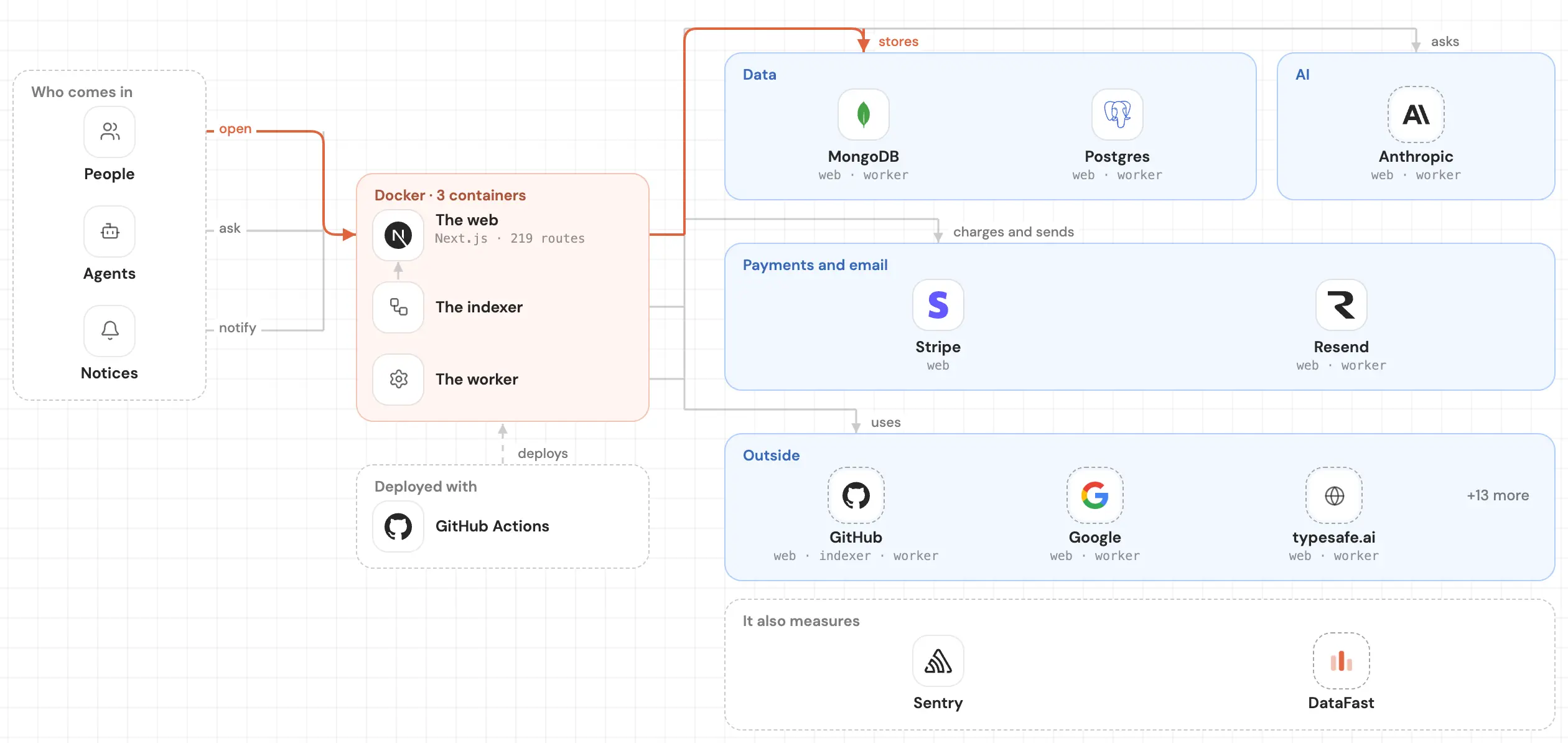
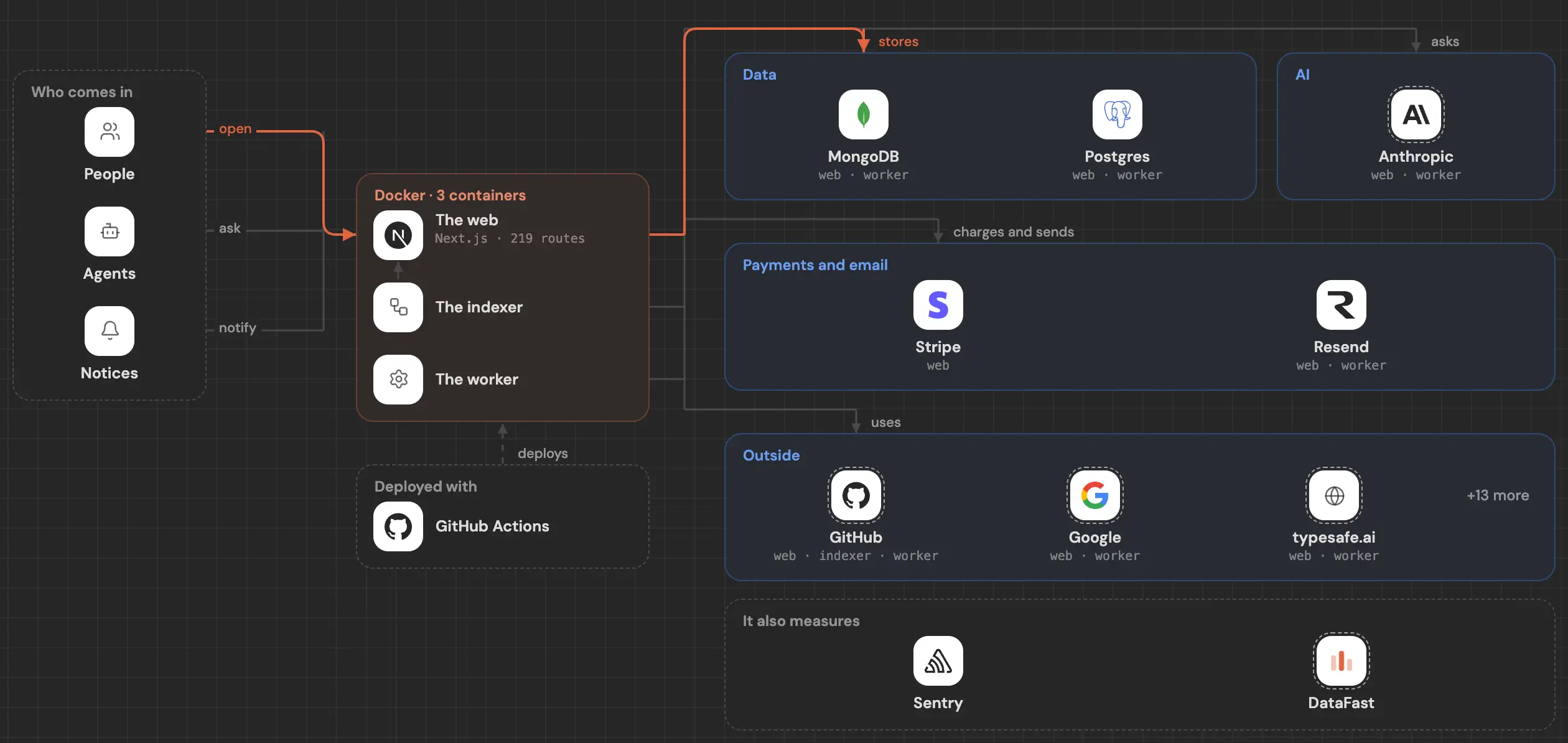
SeeRepo asks you to sign in with GitHub and install its read-only GitHub App on the repos you choose. It draws your map in front of you and reads every push after that. See Connect a repo.
Common questions
Do I need VS Code for SeeRepo?
No. SeeRepo runs in the browser and reads your repo from GitHub.
Can I edit the map?
No. SeeRepo draws the map from your code and keeps it current; you explore it, you don't draw it.
Which one is cheaper for one person?
CodeViz Pro is $19 a month. SeeRepo also starts at $19 a month, for one repo with everything included, and your first repo is free, read once.